

 hello@kootenaymade.ca
 Castlegar, BC. Serving the Kootenays and beyond.
 6 min
6 min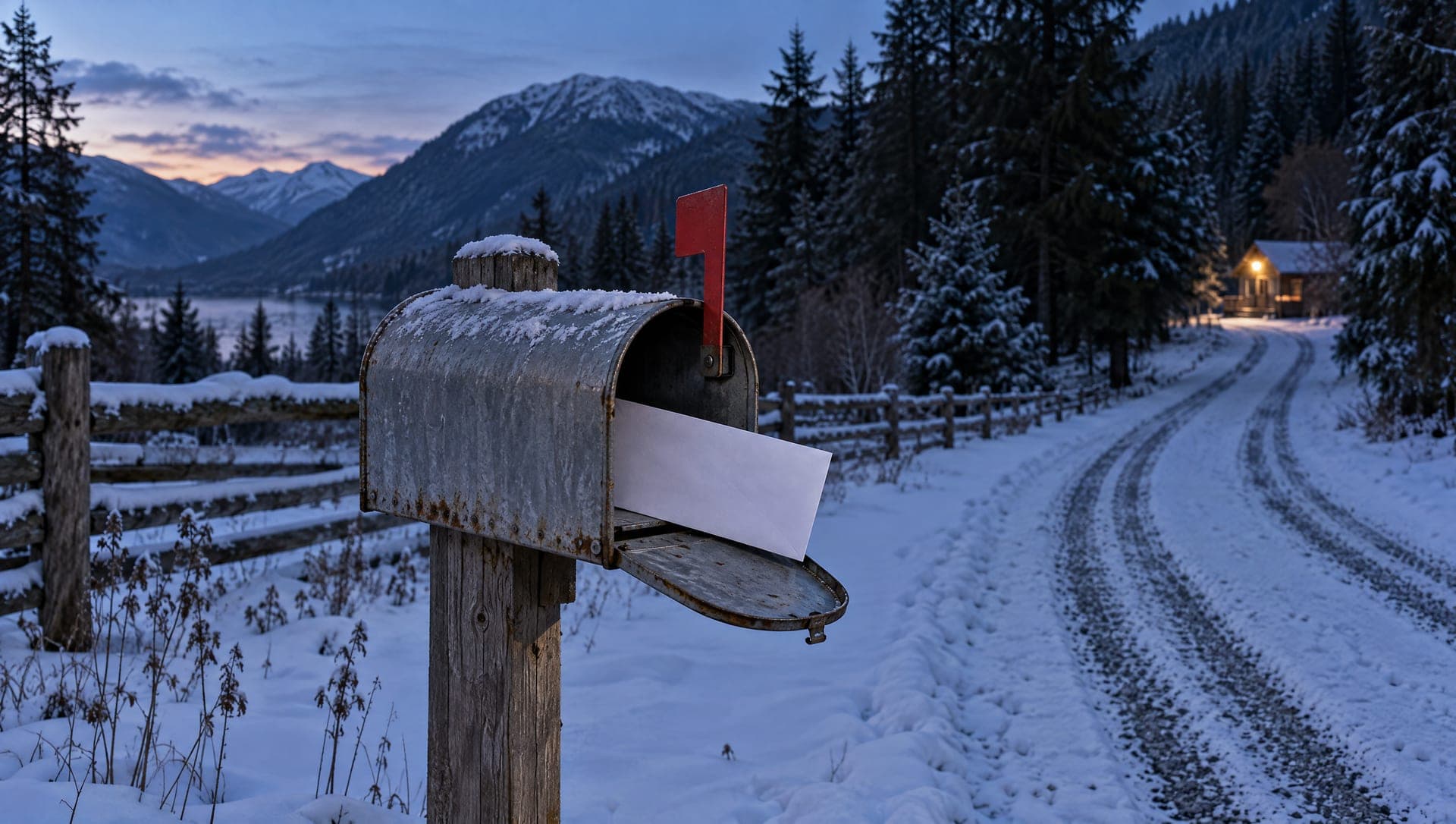
Key takeaways
- Your real registrar is the company you log in to and pay for your domain now.
- A scam letter looks like a bill. Paying it can move your domain to a new company.
- A renewal never needs your transfer code.
- CIRA’s WHOIS page shows the registrar and expiry date for any .ca domain.
- Auto-renew at your real registrar makes a stranger’s letter easy to spot.
On this page
What is a domain renewal scam?
A domain renewal scam is a letter or email made to look like a bill for your website address. It usually comes from a company you never signed up with. Paying it can move your domain to that company. Before you pay anything, check who your real registrar is and when your domain expires.
Your domain is your address online, like yourshop.ca. You rent it a year or more at a time from a company called a registrar. Real renewal notices come from that company. The scam copies the look of one.
The letter arrives in the same mailbox as your real bills, so whoever opens the mail is the person it is written for. The Competition Bureau tells owners to warn the staff who pay invoices.
How does a domain renewal letter scam work?
The letter looks like a bill, names your real domain and gives a deadline. The company on it is a stranger. In some cases, paying does not renew anything. It signs your domain over to a new company.
- 01
It looks like a bill
The letter or email looks like an invoice. It names your real domain and gives a date it will expire. The Competition Bureau says small business owners still get caught by these letters.
- 02
It comes from a stranger
The company name is not the one you pay for your domain now. It may sound official, or close to a name you know. Your real registrar is the company you log in to.
- 03
Paying can move your domain
In a case from 2003, the US Federal Trade Commission said the notices looked like renewal bills from people’s own registrars. Paying moved the domain to a new company. The letter called it a renewal.
- 04
The email version asks for a code
CIRA, which runs the .ca registry, calls this domain slamming. Someone pretends to be your registrar and asks for payment and your transfer code. With both, they can take your money and your domain.
The company in that 2003 case was Domain Registry of America, based in Ontario. The order was a settlement, and the company did not admit breaking the law. It could owe refunds to as many as 50,000 people.
Is this renewal letter real? Five checks before you pay
Run five checks before you pay any renewal. Match the domain letter for letter, match the company to your last receipt, and match the expiry date to your own records. Then renew by logging in yourself. If anyone asks for your transfer code, stop.
- The domain on the letter matches yours exactly, letter for letter, including .ca or .com.
- The company on the letter is the one you registered with. Check an old receipt or bank statement.
- Your own records show the same expiry date. A WHOIS lookup shows it too.
- You can renew by logging in to your registrar yourself, without using anything in the letter.
- Nobody is asking for your transfer code. A renewal never needs it.

| What is being compared | A real renewal | A scam letter |
|---|---|---|
| Who sends it | The registrar you already pay | A company you do not know |
| The domain it names | Your exact domain | Sometimes a near copy, like .com for your .ca |
| How you pay | Inside your account at the registrar | A form, a cheque or a link in the letter |
| What paying does | Adds time to the domain where it is | Can start a move to a new company |
| The transfer code | A renewal does not need it | May ask you for it |
How do I find my real registrar and expiry date?
Look at your last receipt for the domain, or look the domain up. CIRA’s free WHOIS page shows the registrar and expiry date for any .ca. ICANN’s free lookup does the same for .com and other endings. Then log in to that registrar and check your account.
- 01Find a past receipt or renewal email for your domain. The company on it is your registrar.
- 02For a .ca domain, look it up on CIRA’s WHOIS page. It shows the registrar and the expiry date.
- 03For a .com or another domain, use ICANN’s free lookup. It shows the same details.
- 04Log in to your registrar by typing its address yourself. Check the expiry date in your account.
- 05Turn on auto-renew if your registrar offers it, and keep the card on file current.
- 06Turn on two-step verification and registrar lock while you are in there.
If you cannot log in, or the domain sits in someone else’s name, fix that first. My guide to who owns your website and domain walks through getting it back into yours. If you are still choosing an ending, .ca or .com for a Canadian business covers the choice.
Renew by logging in yourself. Never through the letter.
What if I already paid the letter?
Act the same day. Call your real registrar and ask them to check for a transfer and lock the domain. Call your bank about the charge. Then report it to the Canadian Anti-Fraud Centre, and to local police if you lost money.
- 01Call your real registrar. Tell them what happened and ask them to check for a pending transfer.
- 02Ask the registrar to turn on registrar lock, so the domain cannot move without you.
- 03If you shared a password or a transfer code, change the password and turn on two-step verification.
- 04Call your bank or card company about the charge.
- 05Report it to the Canadian Anti-Fraud Centre online. If you lost money, contact your local police too.
If your site or email has already stopped working, my guide on a website that is down or a domain that expired helps you work out which piece broke.
Sources and further reading
- The Little Black Book of Scams, Competition Bureau Canada
Read October 23, 2026. Under small business scams it warns about unsolicited domain renewal letters and lists three checks: the exact domain name, the company you registered with, and your own expiry date.
- 10 things to know before registering a .CA domain name, CIRA
Read October 23, 2026. Describes domain slamming: a message pretending to be your registrar that asks for payment and your transfer code.
- Should I renew my domain name?, CIRA
Published March 24, 2023, read October 23, 2026. A .ca is renewed through your registrar. It covers the grace periods after expiry and registering for up to 10 years.
- WHOIS domain name lookup, CIRA
Read October 23, 2026. A .ca lookup shows the registrar and the creation, expiry and updated dates.
- Registration data lookup tool FAQ, ICANN
Read October 23, 2026. ICANN’s free lookup shows the registrar and the dates for generic domains such as .com.
- Court bars Canadian company from misleading consumers in marketing of internet domain name services, US Federal Trade Commission
December 23, 2003, read October 23, 2026. The case against Domain Registry of America. The order was a settlement, and the company did not admit breaking the law.
- Report fraud and cybercrime, Canadian Anti-Fraud Centre
Read October 23, 2026. Reports go online at reportcyberandfraud.canada.ca. Victims should also contact local police.
Frequently asked questions
Does CIRA send renewal bills for .ca domains?
You renew a .ca through your registrar, the company you bought it from. CIRA runs the .ca registry and charges registrars. If a letter asks you to pay CIRA, or a company you have never used, check with your own registrar first.
What is a domain transfer code?
It is a code that lets your domain move to another registrar. You only need it when you choose to move the domain yourself. A renewal never needs it, so anyone asking for it on a renewal is a warning sign.
The letter has my real domain and address. Is it real?
It might not be. Anyone can look up a domain and its expiry date, so a stranger can know both. Check the company name against your last receipt, then log in to your registrar yourself.
What happens if I ignore a real renewal?
For a .ca, CIRA says the domain enters a grace period of 1 to 45 days, set by your registrar, then a 30-day redemption period. Your website and email can stop working during that time. After that, the name can be released for anyone to register.
How do I stop worrying about renewals?
Turn on auto-renew at your registrar and keep your card current. You can also register a .ca for up to 10 years at a time. Then any renewal letter from a stranger is easy to spot.
Related pages
- Trades and contractor websites
- Professional services websites
- Membership organization websites
- Web design across British Columbia
Kootenay Made Digital
I build websites, local presence, and calm AI setups for Kootenay small businesses. Prices are published, and the work is built to make you easier to find and easier to choose.