

 Castlegar, BC. Serving the Kootenays and beyond.
 10 min read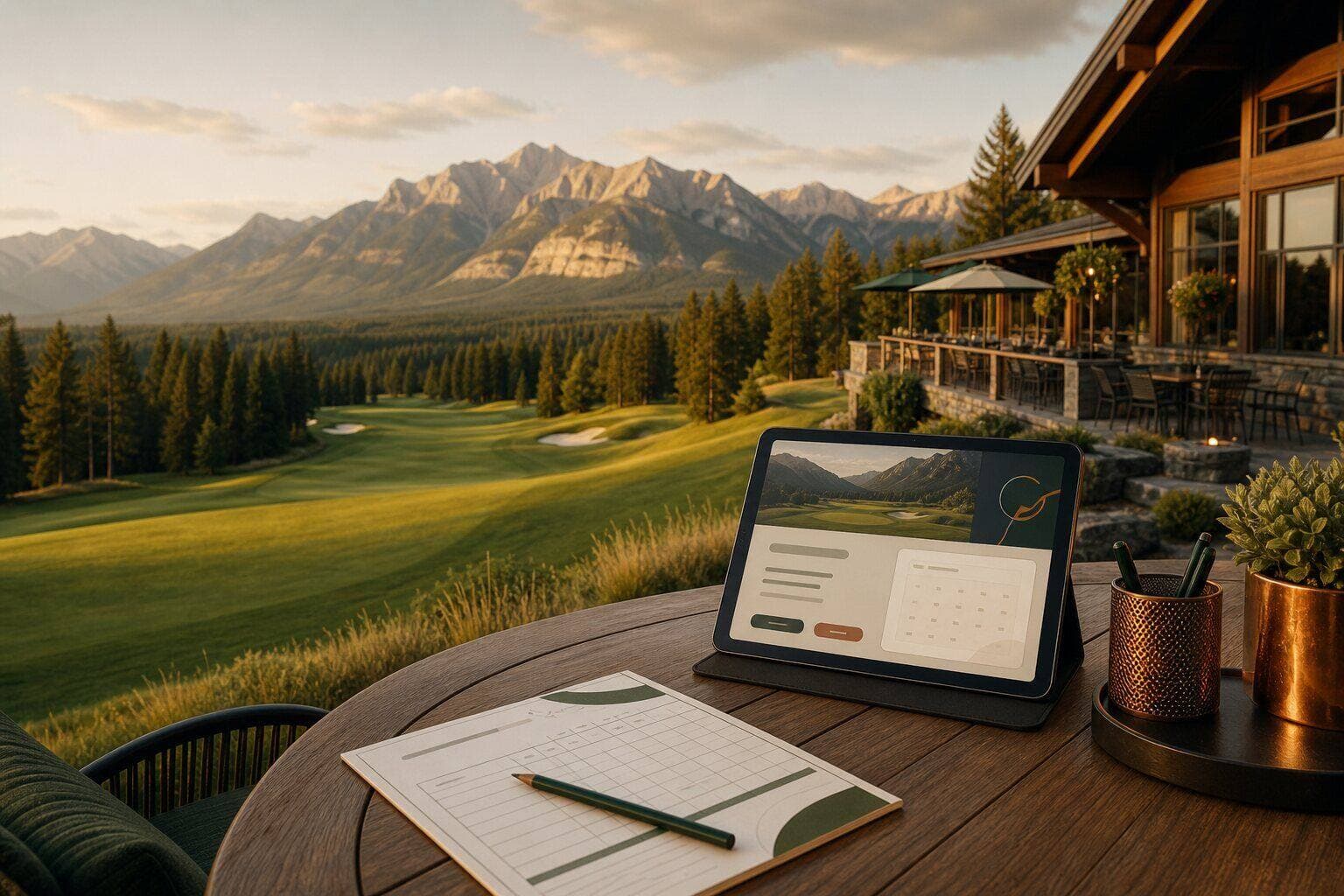
Key takeaways
- Tee time booking on your own engine is the single most important feature. Marketplaces take the data and the margin.
- Publish real rates including cart and twilight. Hidden pricing sends comparison shoppers to the aggregators.
- Course conditions earn trust when honest and current. Golfers forgive aeration, never surprises.
- The course photographs itself: one real shoot, led by the signature hole, outsells any stock image.
- The revenue calendar runs year-round: spring opener, summer leagues, fall memberships, winter gift cards and events.

On this page
What should a golf course website include?
A golf course website needs ten things: online tee time booking on your own engine, published rates, current course conditions, real photography, season dates, events and leagues, memberships, gift cards, the restaurant, and practical visitor details, all built mobile-first. Everything else is decoration. If the booking path and the rates are not obvious from a phone in ten seconds, the rest of the site is working for your competitors.
Golfers check the weather, then they check you. Most check reviews before booking, and well over half book from a phone, often from a hotel room, a truck, or the parking lot of a different course. The website is not a brochure. It is the front counter of the pro shop, open at 6 a.m. when the foursome is deciding.
The view sells the drive. The website sells the tee time. Most courses have the first and waste the second.
What must a golf course website include?
Ten requirements, in rough priority order. A course site that does all ten will beat nearly every competing course site in BC, because almost nobody does.
- Online tee time booking that points at your own booking engine, front and centre on every page.
- Green fees and cart rates published, including twilight and seasonal pricing.
- Current course conditions: aeration dates, frost delays, cart path rules, and opening status.
- A course tour with real photography, hole highlights, and the signature view that sells the drive.
- Season opening and closing dates, announced early and kept current.
- Events, leagues, and tournaments with dates and a working registration path.
- Memberships and gift cards with clear pricing and an obvious way to buy.
- The restaurant and 19th hole: menu, hours, and whether non-golfers are welcome.
- Practical visitor details: dress code, rentals, lessons, directions, and what to expect.
- Mobile-first everything, because most tee times are booked on a phone.

If the list feels long, note how much of it is information you already have: rates, dates, events, the menu. The work is not inventing content. It is publishing what the pro shop already answers on the phone forty times a day, so the phone can stop ringing with the same five questions.
Who visits a golf course website?
A course website serves four very different visitors at once, and each one judges it differently. Design for all four and the site earns its keep year-round.
- The local regular
- Searches your name or taps a saved link. Wants today’s availability, the rate, and any conditions note in under ten seconds. Every extra tap before the tee sheet costs you a booking.
- The travelling foursome
- Searches “golf near me” or “golf courses in the Kootenays” from a hotel or highway stop. Compares on photos, rating, recent reviews, and price before clicking anything. Your website closes what your Google profile starts.
- The event planner
- Looking for tournaments, corporate days, weddings, or banquet space. Needs capacity, catering, pricing signals, and a human to contact. Often the most profitable visitor on the site.
- The future member
- Quietly comparing membership value across courses. Wants tiers, what is included, and the culture of the place. Usually decides in the fall, so the page needs to be current year-round.
The travelling foursome deserves special attention in a destination region. They are comparing three courses from a phone with no loyalty to any of them. Photos, rating, price, and booking ease decide it, usually in under two minutes.
How do golfers actually book a tee time?
The most expensive mistake on golf course websites is a booking button that routes to a third-party marketplace. It feels free and convenient. In exchange, the marketplace keeps the golfer’s contact data, takes margin on the round, and markets discounts at your own regulars. Booking from your own website should land on your own tee sheet, full stop.
Marketplaces have a place: they reach golfers who have never heard of you. Use them for discovery the way hotels use booking platforms. But your own website is your direct channel, and every golfer it sends through a middleman is a customer relationship you paid to give away. The fix is usually simple, because most tee sheet providers include an online booking page that just needs to be wired in properly and tested on a phone.
What separates a good golf course website from a bad one?
The difference is rarely design taste. It is whether the site answers the golfer’s real questions or protects information that was never worth protecting.
| What is being compared | The course losing rounds | The course filling the sheet |
|---|---|---|
| Tee time booking | A button that dumps golfers onto a third-party marketplace, which keeps their data and resells them discounts. | Booking on your own engine, so you keep the golfer, the margin, and the email address. |
| Rates | Hidden behind “call the pro shop,” which sends comparison shoppers straight to the aggregators. | Honest rates with cart and twilight pricing, which builds trust and wins the direct booking. |
| Conditions | Silence, so golfers find out about aeration on the first green and leave a bad review. | A short, current conditions note that earns forgiveness and repeat visits. |
| Photos | A few dated shots from a flip phone era. | Real photography of the course in season, led by the signature hole that justifies the drive. |
| The season | A site that still says last year’s dates in May. | Opening and closing announced early, everywhere, every year. |
Every row of that table is also a review-prevention strategy. Hidden rates, surprise aeration, and broken booking paths are exactly what the angry reviews say. The website is the cheapest place to fix them.
How does a golf course website earn revenue year-round?
A golf course website is not just for July. Each season has a revenue job, and the site needs to be ready before the season turns, not after.
- 01
Spring: the opener
Opening day is one of your two biggest marketing moments. Announce the date early, show the course waking up, and publish opening rates and conditions. Spring gift card sales convert into summer rounds at strong multiples.
- 02
Summer: leagues and events
Keep conditions current, promote leagues and tournaments with working sign-up paths, and let the photography do the selling. This is when the travelling foursome traffic peaks.
- 03
Fall: the membership push
Members decide for next year in the fall. Membership tiers, early-bird pricing, and what is included need to be clear and current exactly when demand peaks.
- 04
Winter: gift cards and groups
December gift cards are reliable revenue, and card holders tend to spend beyond the card value when they redeem. Winter is also when weddings, banquets, and corporate events get booked.
The pattern to notice: the website's biggest moments, the opener announcement, the fall membership push, December gift cards, all happen when the course is quietest. That is exactly when a stale site costs the most.
How do you plan a golf course website build?
Whether you are fixing the current site or starting fresh, the order matters. Booking and rates first, because they convert. Photography and conditions second, because they persuade. Everything else third.
- 01Put online tee time booking on your own engine, linked from the header of every page, and test it on a phone.
- 02Publish your real rates: green fees, carts, twilight, and seasonal pricing, with this season’s dates.
- 03Create one conditions note you can update in two minutes, and keep it honest through aeration and weather.
- 04Invest once in real course photography, led by your signature hole, and refresh the heroes each season.
- 05Give events, leagues, memberships, and gift cards their own clear pages with working purchase or registration paths.
- 06Make the restaurant a reason to visit: menu, hours, and a line that says everyone is welcome, not just golfers.
- 07Announce the season opener and closer early, on the site and your Google Business Profile, every single year.
For most courses this is infrastructure work, not a brochure refresh: tee sheet integration, event registration, membership and gift card sales, and a content rhythm the clubhouse team can actually maintain. That is why course builds sit in the Empire tier at Kootenay Made Digital, scoped around your actual operations and providers.
Why do Kootenay golf courses need destination websites?
Kootenay courses sell something city courses cannot: the drive is part of the round. Mountain backdrops, river valleys, and shoulder-season quiet are real competitive advantages, but only if the website shows them. A travelling golfer choosing between Castlegar, Trail, Rossland, and Nelson courses is choosing between photographs.
The same destination logic applies to events: weddings, tournaments, and corporate days book the venue as much as the golf. A course website that treats the clubhouse, the views, and the food as first-class content earns revenue the tee sheet never sees. If that is the build you need, start with the golf course build path or the free website check-up, and I will show you exactly where the current site is leaking rounds.
Sources and further reading
- Sagacity Golf: the Google Maps strategy for public courses
Documents how golfers discover courses through Maps and why complete profiles with photos and booking links win the click.
- GolfBack: the Google booking mistake courses make
Explains the cost of pointing your booking button at a marketplace instead of your own tee sheet: lost data, lost margin, trained discount shoppers.
- Teesnap: the most common golf course website mistakes
A vendor-side view of the same failures golfers complain about: hidden rates, stale content, and booking friction.
- Lightspeed: golf course membership strategy
Covers membership tiering and the fall decision window that the website needs to serve.
Frequently asked questions
What is the most important feature on a golf course website?
Online tee time booking that runs on your own booking engine, reachable from every page, working flawlessly on a phone. Most tee times are booked on a phone, and every extra tap or login between a golfer and the tee sheet costs real rounds.
Should a golf course publish its rates online?
Yes, all of them, including cart and twilight rates. Hiding rates behind “call the pro shop” does not protect pricing, it sends comparison shoppers to aggregator sites that show your tee times next to discounts you did not choose.
Should the booking button link to GolfNow or your own tee sheet?
Your own tee sheet. Marketplaces deliver reach, but when your own website routes golfers through them you surrender the customer data, pay the margin, and train your regulars to wait for discounts. Use marketplaces for discovery, keep your site for direct booking.
How often should course conditions be updated?
Whenever they change. Golfers forgive aeration, frost delays, and cart path rules when told in advance. They do not forgive finding out on the first green, and that is exactly what the one-star reviews say.
What about the restaurant and clubhouse?
Give it real space. The 19th hole influences which course a group picks, and the restaurant can earn non-golf revenue year-round if the website says everyone is welcome. Menu, hours, and a few honest photos are enough.
How much does a golf course website cost?
It depends on what it has to do. A course site with booking integration, rates, conditions, events, memberships, and a course tour is typically an Empire-scale build at Kootenay Made Digital, scoped from $10,000 after mapping your operations and tee sheet provider.
Do golf courses need SEO?
Mostly local and visitor SEO: “golf near me,” “golf courses in the Kootenays,” and your own name. The website earns it with published rates, current conditions, real photos, and structured pages, while your Google Business Profile with fresh photos and reviews carries the map results.
Related pages
Kootenay Made Digital
I build websites, local presence, and calm AI setups for Kootenay small businesses. Plain language, published prices, and clear work that makes you easier to find and easier to choose.