hello@kootenaymade.ca
 Castlegar, BC. Serving the Kootenays and beyond.
 9 min read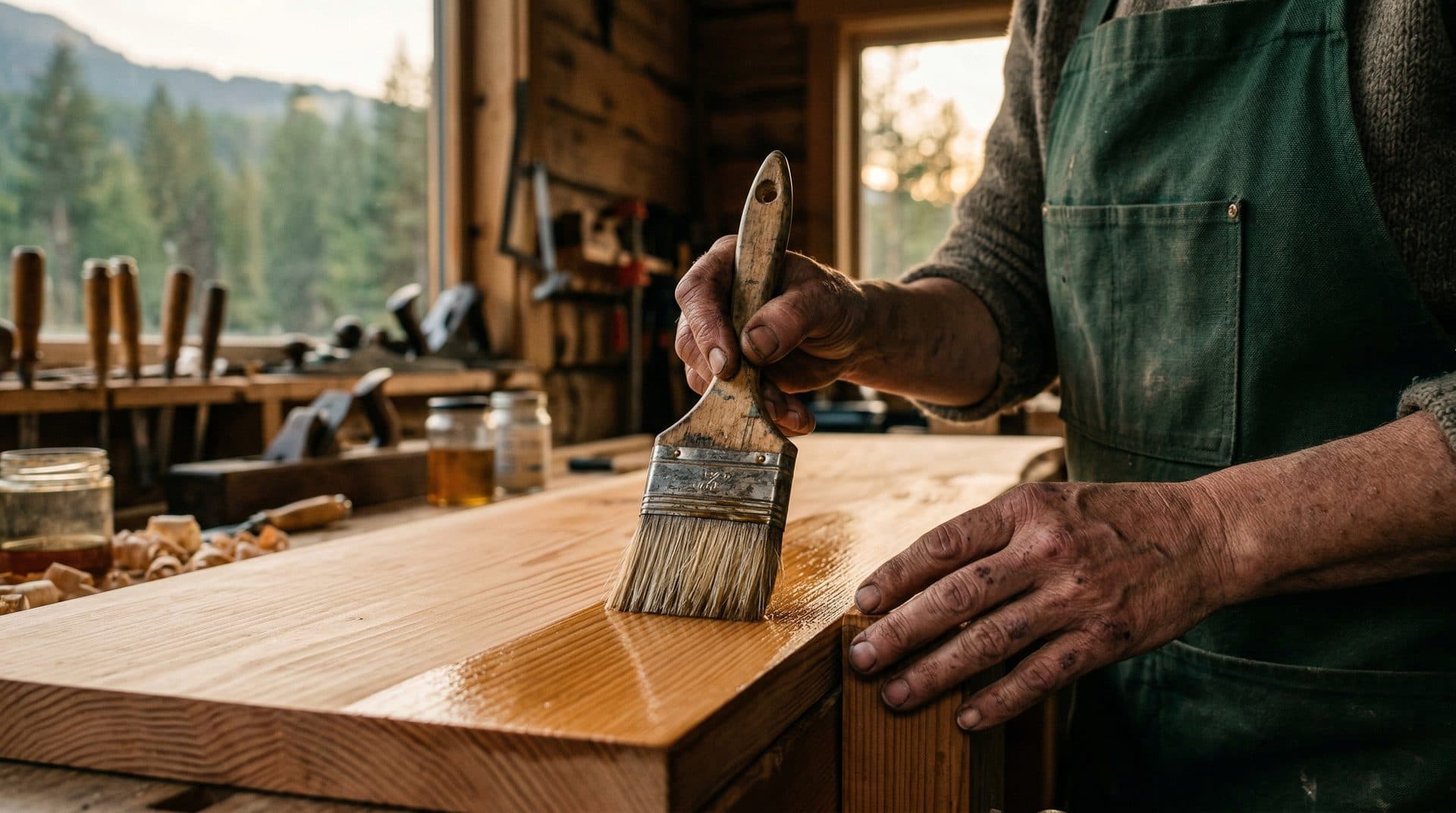
Key takeaways
- Website photos should prove the business is real, not just decorate the page.
- The core set is real place, real people, real work, real products, real process, and visible quality cues.
- Captions, alt text, privacy choices, mobile speed, and Google profile consistency are part of the photo system.
- Stock photos can support mood, but they should not replace proof where trust is on the line.
- Most sites improve trust fast by fixing the hero, location proof, main offer proof, captions, and oversized files first.

On this page
What should website photos show to build trust?
Website photos should show the real place, the real people, the real work, the real product, and visible quality cues. A cautious visitor should be able to picture walking in, booking, buying, or calling without guessing what is behind the curtain. Photos exist to reduce doubt, not to decorate.
A Nelson clinic can have gentle colours and careful copy, but if the photos show a generic treatment room from somewhere else, the page still feels borrowed. A Trail contractor can say quality workmanship ten times, but if the site never shows a finished project, a crew, or a before and after, the claim has to work too hard. A Castlegar shop can sell excellent products, but if the photos hide scale, packaging, and pickup flow, the visitor has to guess.
Photos make the business feel current, specific, careful, and safe to contact. They answer the small questions people do not say out loud: is this a real place, do these people know what they are doing, can I picture the result, and is this the right choice for me? If you are weighing a bigger jump than photos, whether you need video or just better photos has an honest answer, and it is usually photos first.
People are not looking at your photos. They are looking for evidence.
Signs your website photos are hurting trust
Your photos are likely costing you trust when the first image is generic stock, when there is no shot of the real team or location, when proof of the actual work is missing, or when the images are so large they slow the page. If several of the checks below fail, the photo system needs work.
A site can look polished and still feel untrustworthy because the photos are generic, stale, context-free, inaccessible, slow, or disconnected from the Google profile. The visitor may not diagnose it. They still feel the doubt. Run this quick diagnostic before you spend money on a bigger shoot.
- The first image proves the business is real, current, and specific to this place.
- A visitor can see the real team, owner, practitioner, crew, or maker they may deal with.
- They can see the actual location: exterior, entrance, room, shop, restaurant, vehicle, or work site.
- They can see the product, service, finished work, menu item, treatment room, rental, or tour clearly.
- Photos show scale, quality, materials, cleanliness, safety, and context, not only close-up texture shots.
- Before and after examples are used where transformation is part of the value.
- Captions explain what the visitor is seeing and why it matters.
- Alt text and nearby copy make useful images accessible without keyword stuffing.
- Website photos and Google Business Profile photos feel aligned and current.
- Images are compressed and responsive enough to feel smooth on mobile.
Real photos vs. stock photos: which builds more trust?
Real photos almost always win the trust job. Stock can support mood or an abstract idea, but it cannot prove your team is approachable, your clinic is calm, your food is current, or your product has scale. When the visitor needs evidence, a real exterior or finished project beats a perfect stock image every time.
| What is being compared | Stock photos | Real business photos |
|---|---|---|
| Main job | Set a mood or fill space | Prove the business is real and good |
| What they show | Generic strangers and places | Your team, location, work, and products |
| Local proof | None, could be anywhere | Specific to your town and service area |
| Trust on the main page | Weak, feels borrowed | Strong, answers the doubt directly |
| Best use | Background texture, abstract ideas | Hero, service pages, about, gallery, contact |
| Risk | Page smells like rented credibility | Needs good light, captions, and consent |
Stock photos are not evil. They are just bad witnesses. Use them carefully, treat them as atmosphere, and never let them replace the proof photos your actual customers need. If the main trust question is whether the business is real, stock is the wrong tool. Want the bigger picture on credibility? See my guide to your website first impression.
What photos does a local business actually need?
Most small local sites need eight kinds of photo: first-screen proof, exterior and arrival, team and human proof, process shots, product or offer detail, before and after, seasonal or local context, and trust and safety cues. Real does not mean random, so give every photo a job before you take it.
The answer is not to dump every phone photo into a gallery and call it authentic. Real photos still need a brief. Start with the business questions: what would make a cautious visitor hesitate? For contractors it may be cleanliness, crew trust, and warranty. For clinics it may be privacy, calm, and what a first visit feels like. For restaurants it may be menu, room, parking, and whether the place feels current.
- 01
First-screen proof
One photo that says this is the actual business: exterior, team at work, finished project, table, product, room, tour, vehicle, or maker in context.
- 02
Exterior and arrival
Storefront, signage, entrance, parking, nearby landmark, winter access, patio entrance, loading bay, or trail meeting point so people know what they are dealing with before they arrive.
- 03
Team and human proof
Owner portrait, practitioner portrait, crew in safety gear, chef plating, maker at the bench, guide prepping gear, front desk greeting, or service tech on site.
- 04
Process and behind the scenes
Setup, prep, tools, ingredients, treatment room, repair step, installation, packaging, inspection, cleaning, staging, or safety check.
- 05
Product or offer detail
Scale, fit, material, finish, menu item, room feature, rental gear, retail display, package contents, texture, label, and actual use.
- 06
Before and after
Transformation pairs for decks, landscaping, renovations, repairs, cleaning, signage, displays, design, grooming, or seasonal upgrades.
- 07
Season and local context
Snow, rain, smoke-season readiness, mountain backdrop, summer patio, Kootenay Lake route, Red Mountain winter cue, farmers market table, or highway access.
- 08
Trust and safety
Clean workspace, PPE, sterilized tools, accessible entrance, privacy-aware clinic room, warranty paperwork, licensed equipment, and safe customer areas.
Where should each website photo go?
Put each photo where it answers the question people have at that moment. The hero needs your strongest real proof. Service pages need offer-specific shots. The about page needs the human story. Galleries need grouped, captioned proof. The contact path needs arrival cues. The Google profile needs a matching set.
- Homepage hero
- The strongest real proof. For a Castlegar contractor, finished local work. For a Nelson clinic, the room and practitioner energy. For a Rossland restaurant, the real room, food, or patio. For a lakeside inn it is the room and the view, which is why photography-led lodging website design books the shoot before the build.
- Service or product page
- Specific proof beside the offer: before and after, process shots, material detail, product scale, treatment room, rental gear, menu items, or finished work.
- About page
- Team, owner, maker, crew, shop, values in action, local roots, and the human reason someone should trust the business.
- Gallery or portfolio
- Grouped proof with captions, locations, problem solved, materials, and season. Do not dump unlabeled images into a wall.
- Contact and visit path
- Exterior, entrance, parking, landmark, accessibility, map context, service vehicle, clinic reception, or pickup counter to reduce arrival anxiety.
- Google Business Profile
- A matching set of exterior, interior, products, services, team, and current seasonal photos so the map result and website feel like the same business.
A photo without context can be beautiful and still vague. A caption turns it into proof. Write captions like a field note, not marketing perfume: what is shown, where it happened when location matters, what problem it solved, and what the customer should notice. Cedar deck replacement in Castlegar with safer stairs says more than project photo.
Kootenay photo playbooks by business type
The right proof changes by business type, town, season, and risk. A contractor needs finished local work and crew safety. A clinic needs calm, privacy-aware context. A shop needs scale and packaging. A tourism operator needs route, gear, and weather. The pattern is the same: show what a cautious local would want to verify.
Kootenay customers and visitors decide with local conditions in mind. Winter access matters. Summer patio light matters. Wildfire smoke updates matter. Mountain weather, parking, cell service, tourism surges, and service-area reality all change what a photo needs to show. The photos have to belong to the place. Event venues live or die on this, because couples book off the gallery long before a tour. That is why what a wedding or event venue website needs leans so hard on honest photos, and why I build honest venue galleries that show the real room.
- Contractors and trades
- Show finished local work, before and after, crew safety, materials, job-site cleanliness, service vehicles, warranty proof, and the towns you actually serve. A Trail electrician or Castlegar roofer should not look like a stock catalogue.
- Clinics and care providers
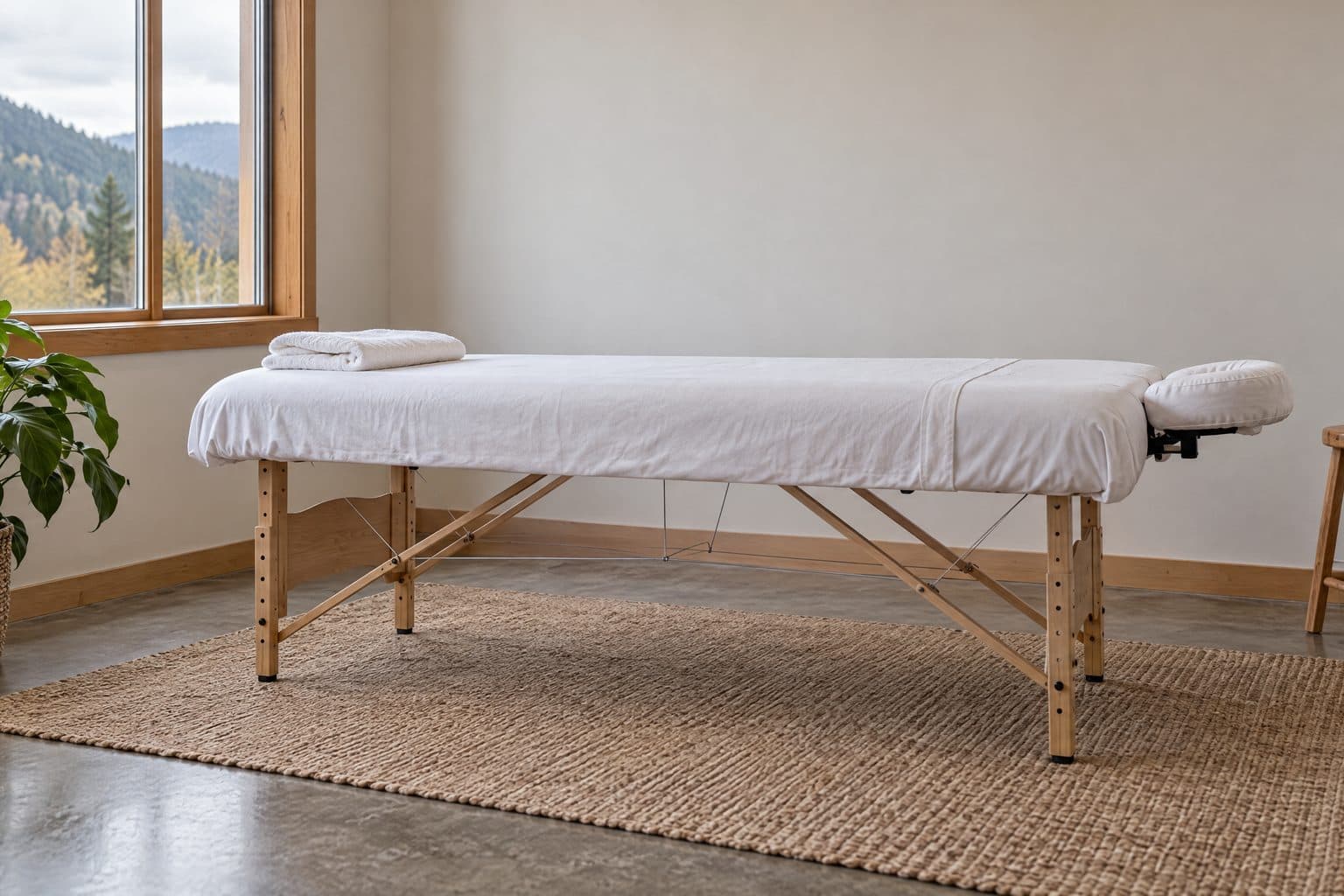
- Show calm rooms, practitioner portraits, reception, accessibility, and what a first visit feels like. Avoid patient-identifying images unless consent and safety are handled properly.
- Shops and product brands
- Show real shelves, scale, packaging, maker process, product in use, pickup flow, gift context, and seasonal inventory. A Creston maker or Nelson boutique needs proof beyond pretty flat lays.
- Restaurants and cafes
- Show exterior, entrance, room, patio, menu favourites, staff, dietary cues, takeout path, winter coziness, summer patio life, and where someone parks or lines up.
- Tourism operators
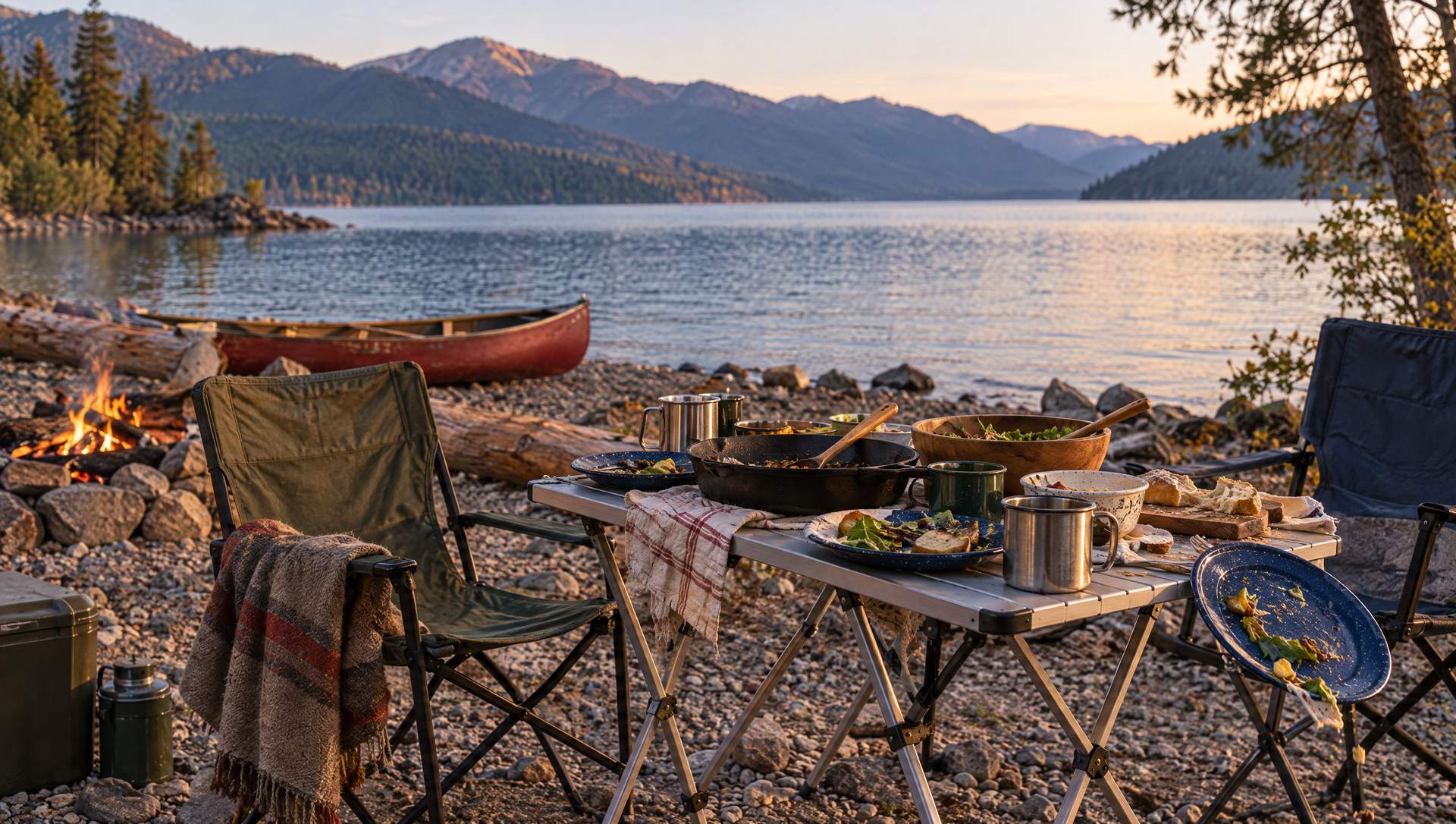
- Show the experience, guide, route, gear, weather plan, meeting point, room, rental, lake, and mountain. Nakusp, Rossland, and Cranbrook visitors compare fast, and campground photography that sells the waterfront is the same job with a shoreline.
- Makers and studios
- Show hands, tools, materials, batches, finishing details, studio context, packaging, market table, and the difference between handmade and generic resale.
Do website photos need captions, alt text, and fast loading?
Yes. A photo system is not done when the images look nice. Informative images need useful alt text or nearby text that does the job. Decorative images should use empty alt text. Overlays need readable contrast. Large files must be compressed so the page stays fast and steady on a phone with ordinary rural signal.
Privacy matters too. Clinics, schools, private homes, job sites, customer faces, licence plates, children, and sensitive spaces need more care than a generic gallery upload. Get consent where people are identifiable. If a photo creates doubt about professionalism, consent, or safety, it is not building trust.
Before
A Rossland bakery site uses a stock pastry hero, one old team portrait, no exterior shot, and a gallery with no captions. The shop may be excellent, but the page asks visitors to believe instead of letting them see.
After
The hero becomes the real storefront and display case. The gallery shows staff preparing trays, the room in morning light, and seasonal items, with a caption explaining pickup and seating. The business now feels present and current.
Illustrative composite based on common local website problems, not a claimed case study.
Many visitors see your Google Business Profile before or alongside your website. If the photos disagree, the business feels less organized. Keep one current, believable version of the business across the website, Google profile, social profiles, and booking tools.
How do I fix weak website photos?
If the photo system is weak, fix the trust leaks in order: replace the hero with real proof, add location and main-offer photos, write captions, align with your Google profile, then handle alt text and file size. You can make the site noticeably more believable in a single afternoon.
- 01Replace the first generic image with a real business photo tied to the decision: storefront, crew, clinic room, table, product, finished project, tour, room, vehicle, or maker at work.
- 02Add location proof: exterior, entrance, parking, signage, landmark, service vehicle, or work site so people know what they are dealing with before they arrive or call.
- 03Show the main offer: the service, product, food, room, treatment, rental, project, or experience that creates the sale.
- 04Add plain captions that name the work, town, use case, season, material, process, or customer concern answered by the photo.
- 05Compare the site to your Google Business Profile and listings, then remove photo drift, old signage, stale hours, and conflicting seasonal cues.
- 06Add useful alt text for informative images, empty alt text for decorative images, and compress oversized files so the page stays fast on mobile.
The fix usually starts with a better proof brief, not a bigger budget. The camera is not the strategy. The trust questions are. When you are ready for a proper rebuild, my website services bake the photo plan into the design, and you can always tell me what you are working with first.
Sources and further reading
- Google Search Central: image SEO best practices
Google recommends descriptive filenames, useful surrounding text, high quality images, responsive pages, and helpful alt text. Image trust and image search basics overlap more than most local sites admit.
- Google Search Central: page experience
Page experience covers mobile usability, Core Web Vitals, and HTTPS. Huge uncompressed photos can damage trust before the visitor reads a word.
- Google Business Profile help: photos and videos
Guidance on adding photos so customers can see products, services, exterior, and interior. Your website and profile should reinforce the same current reality.
- W3C WAI: alt text decision tree
Helps decide when images need descriptive alt text, empty alt text, or nearby context. That matters for galleries, proof images, staff photos, and process shots.
Frequently asked questions
Do my website photos need to be professionally shot?
Not always. Real, current, well-lit photos beat generic polished stock for most trust jobs. Hire a photographer when food, rooms, products, team, or finished-work quality strongly affect the sale. Use a phone when the immediate job is honest proof, clear context, and speed.
What should website photos actually show?
Show the real place, real people, real work, real products, real process, and real quality cues. A visitor should be able to picture walking in, booking, buying, calling, or receiving the service without guessing what is behind the curtain.
Can stock photos still work?
Stock photos can support mood or abstract ideas, but they should not carry trust on the main page. If the visitor needs proof, stock strangers, fake clinics, and mountain scenery from nowhere make the business feel less specific and less current.
How many photos does a local business need?
Use enough to answer the decision. Most small local sites need a strong hero, exterior or location proof, team or service proof, product or work proof, process context, and a few supporting details. A contractor may need before and after shots; a restaurant may need room, patio, and menu photos.
How do captions help trust?
Captions turn images into proof. A photo of a deck is stronger when the caption says it was a cedar deck replacement in Castlegar with safer stairs and a weather-ready finish. A clinic room photo is stronger when the caption explains privacy, accessibility, or what a first visit feels like.
What alt text should local business photos use?
Use alt text when the image communicates useful information. Describe what matters: the team member, product, finished project, room, storefront, or process step. Decorative images can have empty alt text. Avoid stuffing town names into every image unless the location is relevant.
How often should I update website photos?
Update photos whenever the business reality changes: new staff, renovated space, seasonal offer, equipment, menu, product line, signage, or finished project. At minimum, review photos seasonally so winter, smoke season, and summer tourism cues do not contradict the current offer.
Should my website photos match my Google Business Profile photos?
Yes. They do not need to be identical, but they should tell the same story. If Google shows a fresh storefront and the website shows stale stock, trust splits. Align exterior, interior, products, services, team, and seasonal context across the website, Google profile, and social profiles.
Related pages
Kootenay Made Digital
I build websites, local presence, and calm AI setups for Kootenay small businesses. Plain language, published prices, and clear work that makes you easier to find and easier to choose.